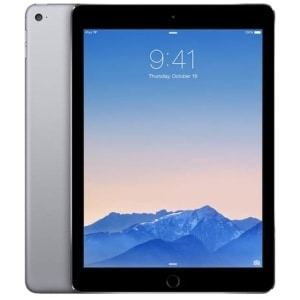
You've ordered 50 iPads for your trade show booth. Without MDM, each one is a separate device that needs to be individually set up, could be accidentally reconfigured by a curious attendee, and contains your company's data after the event with no guaranteed way to wipe it remotely. With MDM, all 50 arrive identically configured, locked to your specified apps, and can be wiped in seconds after the show closes. Here's exactly what MDM is, what it does for your event, and how Aria AV enrolls and configures it before your iPads ship.
What MDM Is and Why Event Planners Should Care
MDM stands for Mobile Device Management. It is a software platform — Apple Business Manager is the standard for iOS and iPadOS — that allows an organisation to remotely manage a fleet of Apple devices from a single administration console. For event iPad rentals, MDM means three things that are practically important:
- Remote app deployment. Instead of manually installing your lead capture app, survey tool, or registration software on each iPad individually, MDM pushes the required apps to every device simultaneously — from the administration console, not from each device's screen.
- Device locking. MDM enables Single App Mode — the iPad turns on and opens directly into your specified application. Attendees cannot exit, access the App Store, change settings, or browse the web. The device does exactly one thing: run your app.
- Remote wipe. After your event, Aria AV uses MDM to remotely wipe every iPad in the fleet, verifying that all your company data — lead capture records, survey responses, login credentials — is completely removed before the devices are redeployed to another client.
💡 Why this matters for your data
Without MDM, when a rental iPad is returned after an event, data removal depends on whoever handles the device next noticing that data is present and manually erasing it. With MDM, data wipe is automated, auditable, and completed before the devices ever leave your venue. For events where attendee data is collected — lead capture, registration, surveys — MDM is not optional.
The Four MDM Capabilities That Matter Most at Events
🔒
Single App Mode (Kiosk Lock)
Forces the iPad to open one specific app and prevents exit. When an attendee picks up your lead capture iPad, they cannot accidentally open the Camera app, navigate to Safari, or change any settings. The iPad is a dedicated device for your specified application.
- Used for: self-service registration kiosks, survey stations, product demo iPads
- Configured by Aria AV before delivery — no on-site setup required
📲
Silent App Installation
Your required apps are installed on every iPad in the fleet from the MDM console — no App Store login, no Apple ID required on each device, no manual installation. Apps appear on the home screen ready to use.
- Supports: lead capture apps, survey tools, CRM clients, custom enterprise apps
- Custom apps distributed via MDM — no App Store listing required
🎨
Branding and Configuration
MDM applies your company logo as the wallpaper, sets your brand colours in supported apps, pushes your Wi-Fi credentials so iPads connect automatically, and applies any content restrictions appropriate for your event audience.
- Wallpaper, lock screen image, home screen layout — all pushed from MDM
- Wi-Fi credentials pushed — iPads connect automatically at venue
🗑️
Remote Wipe After Event
After your event closes, Aria AV triggers a remote wipe on every device in the fleet from the MDM console. All data — including cached app data, downloaded files, credentials, and lead records — is permanently removed. A wipe confirmation report is available on request.
- Wipe triggered remotely — no physical access to each device required
- Confirmation available: verifiable wipe before redeployment
How Aria AV Configures MDM Before Your iPads Ship
The MDM enrollment and configuration process happens entirely at Aria AV's warehouse before the iPads are delivered to your venue. You do not need an Apple Business Manager account, an MDM server, or any technical expertise. Aria AV handles the full MDM setup as part of the standard rental process.
1
You provide your app and configuration requirements
When confirming your order, specify your lead capture app (Cvent, iCapture, HubSpot, Salesforce, custom), your wallpaper files, your Wi-Fi network credentials, and any specific restrictions you need (disable Camera, disable Safari, Single App Mode on/off). This information comes to Aria AV with your order confirmation — not on the day of delivery.
2
Aria AV enrolls the fleet in Apple Business Manager
Each iPad in your rental fleet is enrolled in Apple Business Manager — Apple's enterprise device management platform — under Aria AV's MDM account. This is what enables the silent app installation and remote wipe capabilities. Enrollment is device-level, not account-level: your personal Apple ID is never involved.
3
App installation and configuration pushed
Your required apps are pushed to every device in the fleet from the MDM console simultaneously. Configuration profiles are applied: Wi-Fi credentials, wallpaper, restrictions, and any app-level settings. For lead capture apps with CRM integration, Aria AV configures the app's connection to your CRM using credentials you provide.
4
Testing — every device individually verified
Every iPad is individually tested: power on, app launch, network connection, CRM sync (if applicable), camera/scanner function for lead capture, and any other device-specific functionality you require. A test checklist is completed for each device. Devices that fail testing are removed from the fleet and replaced before delivery.
5
Delivery to your venue — ready to use on arrival
iPads arrive at your venue fully configured. Place them at your registration desk, kiosk stations, or exhibitor booth — they are ready to use immediately. No on-site setup, no app store logins, no manual configuration by your event staff.
6
After your event — remote wipe and data verification
When your event closes, Aria AV triggers a remote wipe on every device in the fleet. All data is removed. For pharmaceutical and healthcare events where data security is regulated, Aria AV provides a wipe confirmation document listing each device's serial number and wipe timestamp.
What MDM enables on Aria AV iPad rentals
Before delivery
✓ Apps installed silently
✓ Wi-Fi credentials pushed
✓ Wallpaper & branding applied
✓ Restrictions configured
✓ CRM integration set up
✓ Every device individually tested
During your event
✓ Single App Mode (kiosk lock)
✓ Remote app updates if needed
✓ Remote troubleshooting available
✓ Lock lost/stolen devices instantly
✓ Push content updates silently
✓ Monitor device status remotely
After your event
✓ Remote wipe all devices
✓ Data removal verified
✓ Wipe report available on request
✓ MDM enrollment removed
✓ Devices ready for next client
✓ Your data: permanently gone
Which iPad Model to Choose for Each Event Application
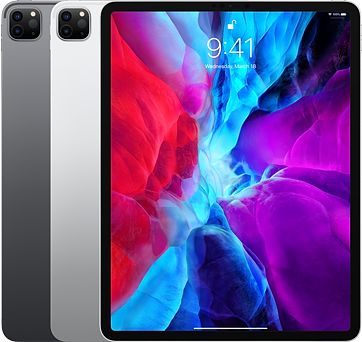
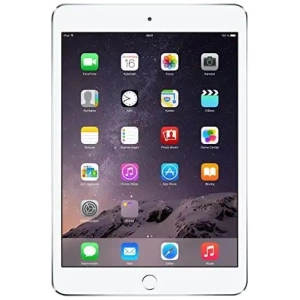
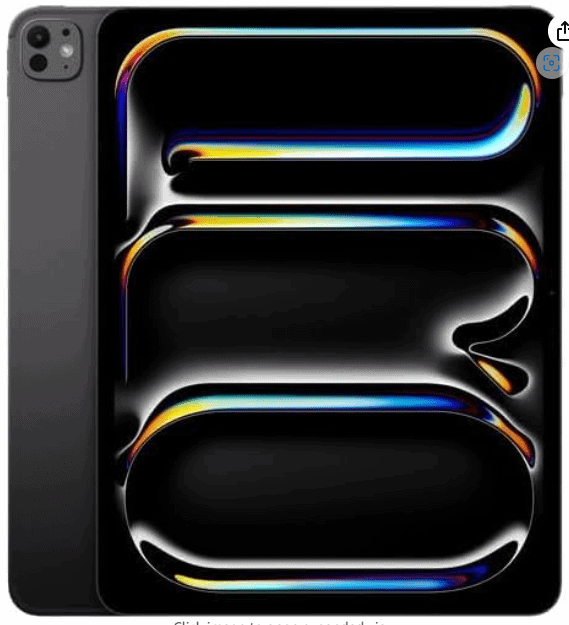
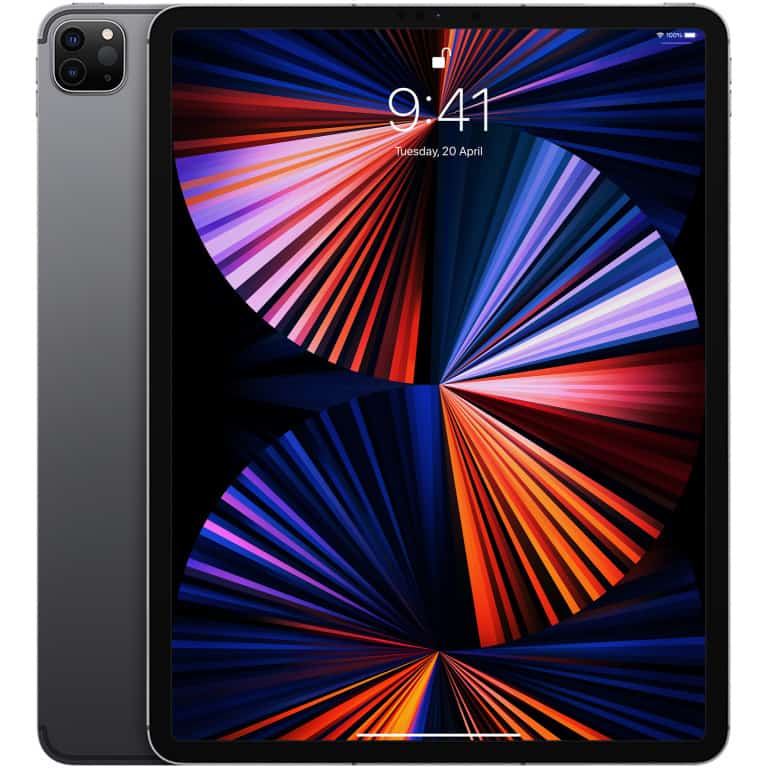
MDM works identically across all iPad models — iPad, iPad Air M3, iPad Pro M4, and iPad mini 7. The model choice is about the physical use case, not the MDM capability.
| iPad Model | Best for | Key advantage | Consider if |
|---|
| iPad Pro M4 (13") |
Kiosk registration desks · premium demo stations |
Largest screen — maximises registration desk usability and form readability |
Fixed-position kiosk applications where size is an asset |
| iPad Pro M4 (11") |
Lead capture · product demos · roaming staff |
Powerful enough for any app · comfortable for extended hand-held use |
Mixed fixed and roaming applications — most versatile choice |
| iPad Air M3 (13") |
Survey stations · attendee self-service · training |
Large screen, lighter than iPad Pro, significant cost saving at fleet scale |
Budget-conscious large fleet deployments where Pro performance isn't required |
| iPad Air M3 (11") |
Large fleet deployments · staff-issued devices |
Most cost-efficient Apple tablet for large volume MDM deployments |
500+ device fleet deployments where per-unit cost is a factor |
| iPad mini 7 |
Roaming show floor staff · badge scanning · POS |
Fits in a jacket pocket · ideal for staff moving across a large show floor |
Applications where portability matters more than screen size |
✓ For large kiosk deployments
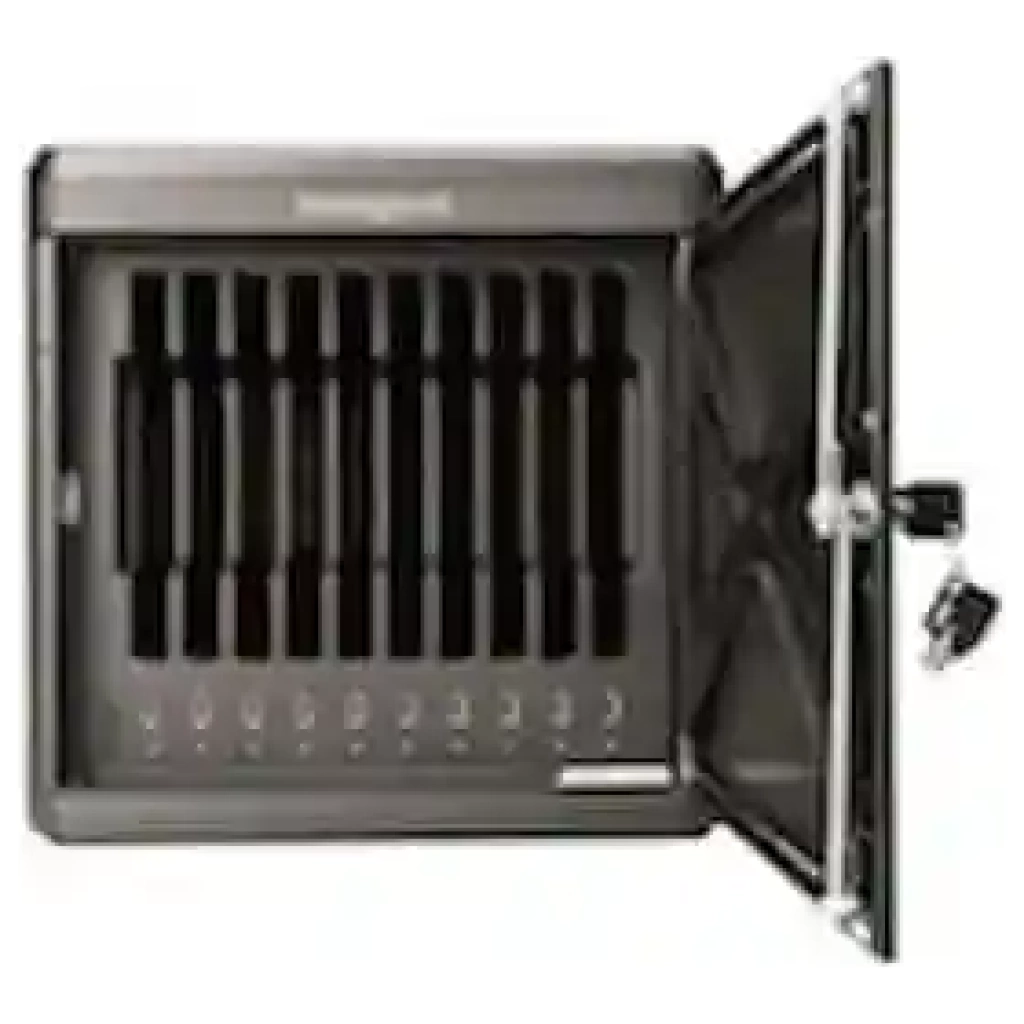
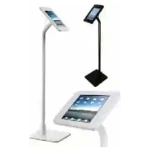
For registration desk kiosks and self-service stations, pair iPad Pro M4 (13-inch) with an enclosed kiosk enclosure stand and a Bluetooth badge printer. The enclosed stand prevents attendees from picking up and walking off with the device, and the 13-inch screen makes form fields and registration confirmations clearly visible to users at the desk height. Aria AV provides kiosk enclosures as part of all iPad kiosk rental packages.
MDM for Lead Capture: What Aria AV Supports
Lead capture at trade shows — using iPads to scan attendee badges and capture contact information directly to your CRM — is the most common iPad rental application at events like those at McCormick Place, the Las Vegas Convention Center, and the Orange County Convention Center. MDM enables the full lead capture workflow to function reliably at scale.
Supported lead capture applications
Aria AV has configured the following lead capture and event management applications via MDM for iPad rental deployments. All are installable silently via MDM before delivery:
- Cvent Attendee Hub and Cvent Lead Capture — the most common enterprise event management platform. Aria AV pre-configures your event ID and CRM connection before delivery.
- iCapture — dedicated trade show lead capture. Badge scanning, business card capture, and direct Salesforce, HubSpot, and Marketo integration.
- Salesforce Events — direct Salesforce lead capture and contact creation. Pre-configured with your Salesforce instance URL and user credentials before delivery.
- HubSpot — for HubSpot CRM users. Badge scanning and contact creation pre-configured.
- Custom enterprise apps — apps distributed via your own MDM or enterprise developer account can be installed via MDM. Contact Aria AV with your app's distribution details when placing the order.
iPad lead capture workflow — how it works at your trade show booth
Step 1
Attendee badge QR or barcode scanned by iPad camera
Step 2
Lead capture app retrieves contact info from show registrar database
Step 3
Lead record pushed to Salesforce / HubSpot / Marketo in real time
Step 4
Post-event: MDM remote wipe removes all cached data from iPad
MDM for Pharmaceutical and Healthcare Events — Regulatory Considerations
Pharmaceutical advisory boards, investigator meetings, and CME medical education events have specific data handling requirements — HIPAA, 21 CFR Part 11, and GxP compliance are relevant for different event types. MDM supports these requirements in specific ways:
- Controlled access: Single App Mode locks iPads to the specific clinical application required for the meeting — attendees cannot access unauthorised applications or personal accounts.
- Audit trail: MDM logs can document which apps were installed, when they were installed, and when the remote wipe was executed — relevant for regulatory audit trails.
- Data wipe confirmation: For pharmaceutical events where data handling is regulated, Aria AV provides a wipe confirmation document listing each device's serial number and wipe timestamp. This document can support your data handling documentation requirements.
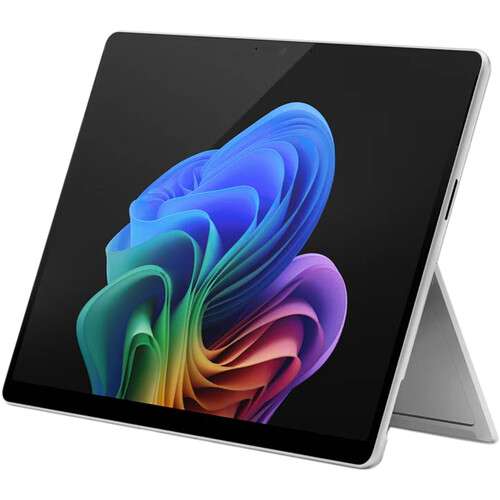
For pharmaceutical advisory boards and investigator meetings at venues like the Pennsylvania Convention Center in Philadelphia or hotel properties in the Research Triangle, Aria AV also provides Surface Pro 11 with stylus — configured for document annotation applications where regulatory-compliant annotation of clinical documents is required. See Aria AV's Philadelphia technology rental page for pharma-specific configurations.
⚠ What MDM cannot do
MDM manages device-level configuration — it cannot guarantee that attendees will not photograph your screen content, and it does not encrypt app-level data stored within a specific application (that is the app developer's responsibility). For events where the content displayed on screen is sensitive, consider physical positioning of kiosks to prevent shoulder-surfing, and ensure your lead capture application itself encrypts stored data at rest.
What to Tell Aria AV When Ordering MDM-Enrolled iPads
To configure MDM correctly before delivery, Aria AV needs the following information at order confirmation — not on the day of delivery:
1App name or App Store link for each app to be installed
2Your CRM platform and credentials for lead capture integration
3Wi-Fi network name (SSID) and password at your venue
4Wallpaper image file — 2732×2048px for iPad Pro 13"
Optional additional inputs: list of specific device restrictions (disable Camera, disable Safari, disable AirDrop), home screen layout if you have a specific arrangement preference, and whether Single App Mode (kiosk lock) is required for your use case.
The earlier this information arrives, the more thoroughly Aria AV can test the configuration before delivery. For large fleets of 100 or more iPads, provide configuration requirements at least 5 business days before your event. For smaller fleets of under 50 iPads, 3 business days is sufficient for standard configurations.
MDM and iPhones — The Same Capability for Show Floor Teams
Everything described above for iPad MDM applies equally to iPhone 17 Pro Max rentals for exhibitor show floor teams. iPhones enrolled in MDM via Apple Business Manager can have your lead capture app silently installed, your corporate Wi-Fi pre-configured, and your branding applied — arriving in the hands of your booth staff ready to capture leads from the moment the show floor opens.
For large exhibitor teams at shows like CES, NAB Show, and IMTS — where 10 to 50 team members each need an iPhone pre-configured for lead capture — MDM eliminates the setup burden entirely. All devices ship pre-configured, team members pick them up at booth setup, and Aria AV's on-site technician verifies each device is connected and functional before the show floor opens.
Need MDM-enrolled iPads for your next event?
Tell us your event date, iPad quantity, lead capture app, and CRM platform. Aria AV configures everything before delivery — your iPads arrive ready to capture leads from the moment your show opens.
Get an iPad Rental Quote →